
Overview
What is Member Management?
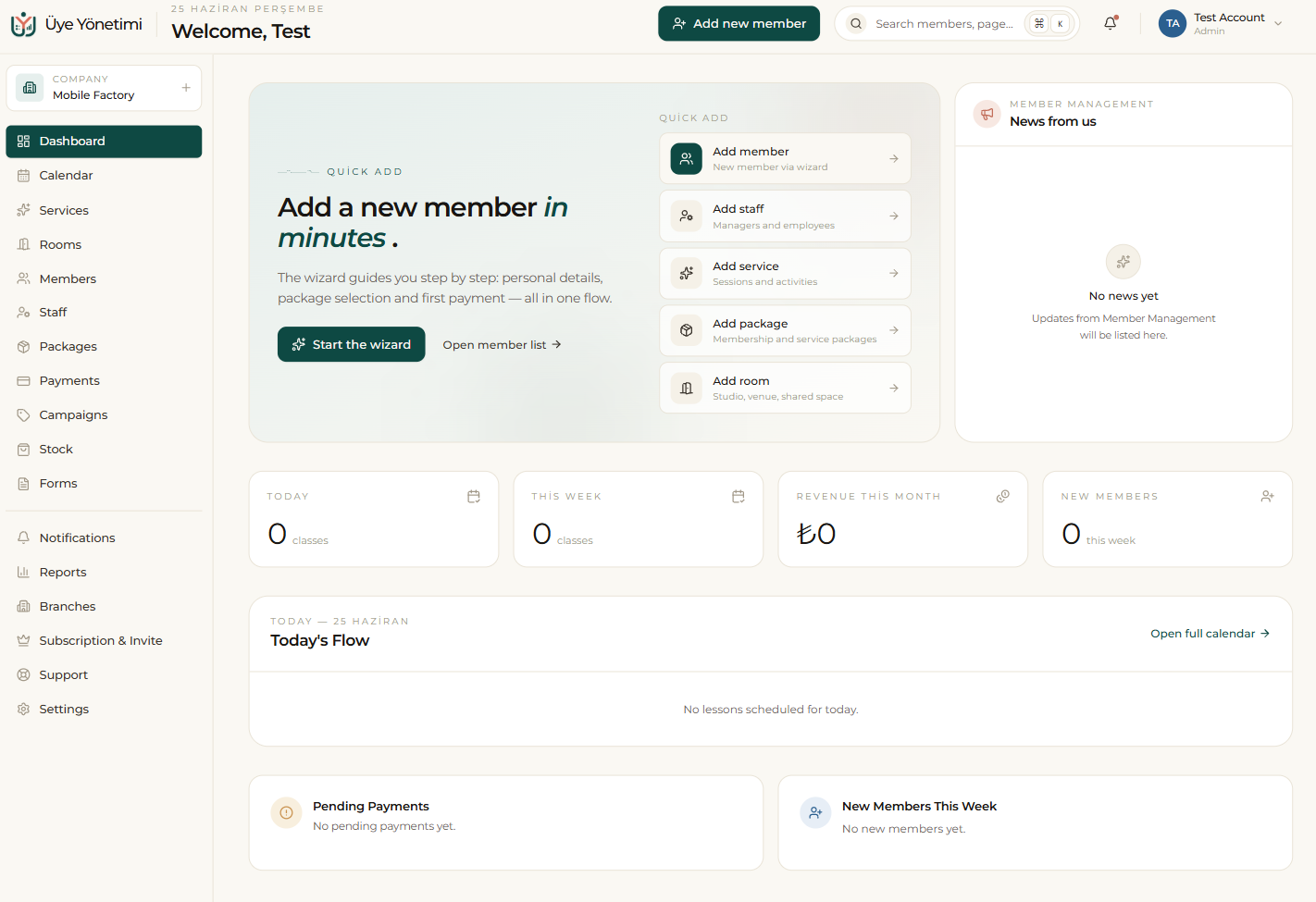
Member Management is a web-based business management platform that brings your members, appointments, packages, payments and team together in a single panel. It is built for appointment- and membership-driven businesses such as Pilates and yoga studios, beauty and care salons, art workshops, courses and consulting offices.
You start using it the moment you sign in from your browser — there is nothing to install on your computer or phone. If you prefer, you can also “install the app” from Chrome, Edge or Safari and open it like a native app on mobile, Mac and Windows.
Everything is connected
The most important part of the system is that the modules are not isolated from one another. When you book an appointment for a member, it lands on the calendar, is recorded on the member’s card, deducts a session from their package and updates the occupancy in your reports. When you collect a payment, the member’s balance, the daily cash register and the revenue report all change at the same time.
Because of this, the data you keep in one place stays consistent everywhere. You don’t have to manually reconcile a spreadsheet, an appointment book and a payment ledger; the system does it for you and always shows the true state of your business.
How to use this guide
The order of the left-hand menu follows the order in which you set up and use the system: first you set up your account, then add your members, manage appointments and packages, collect payments and grow your business with reports. Each page explains the topic in writing and supports it with a screenshot and a step-by-step walkthrough.
If you are starting from scratch, continue with the next page, “Account setup”. If you are curious about a specific module, jump to the relevant heading from the left menu. Whenever you get stuck, you can open a request from the in-app “Support” screen (see the Support page in this guide) and our team will reply.
New here? The next step is “Account setup”. Continue from the menu or the “Next” link at the bottom of the page.