Member portal
A private link for each member
Each member has a secure portal link that is private to them. When you share this link with the member, they reach their own information without signing in. The link is personal; it should not be shared with anyone else.
What members see and do
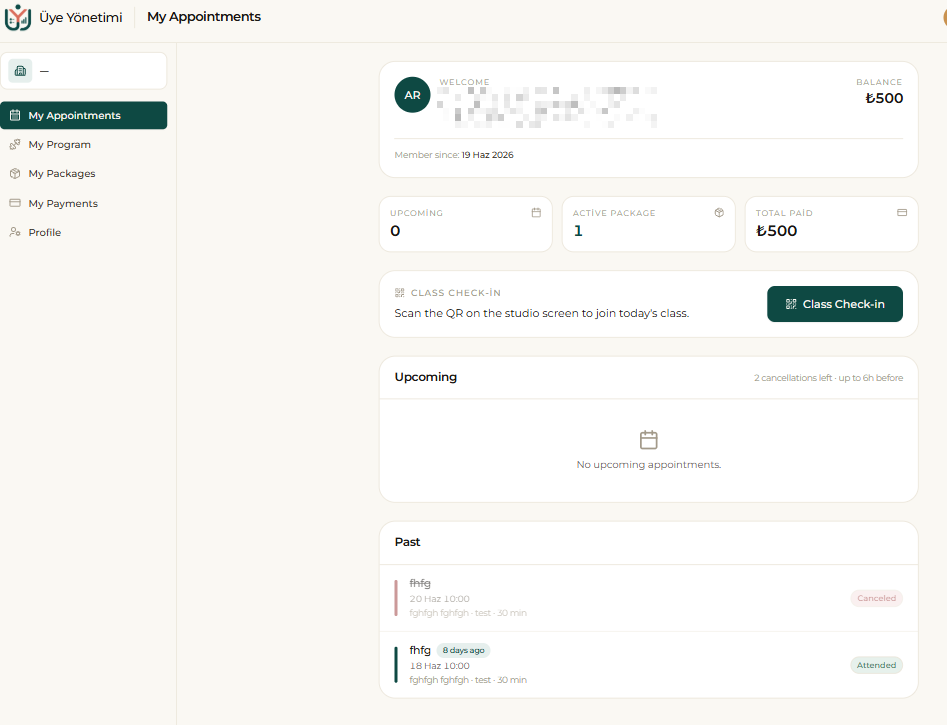
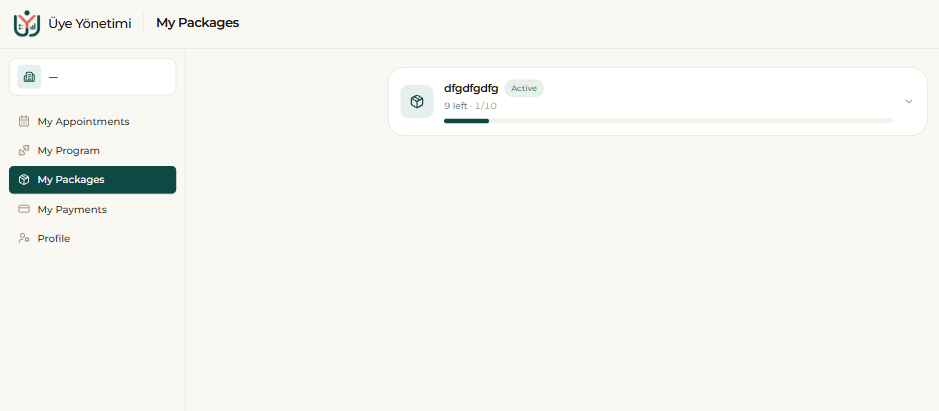
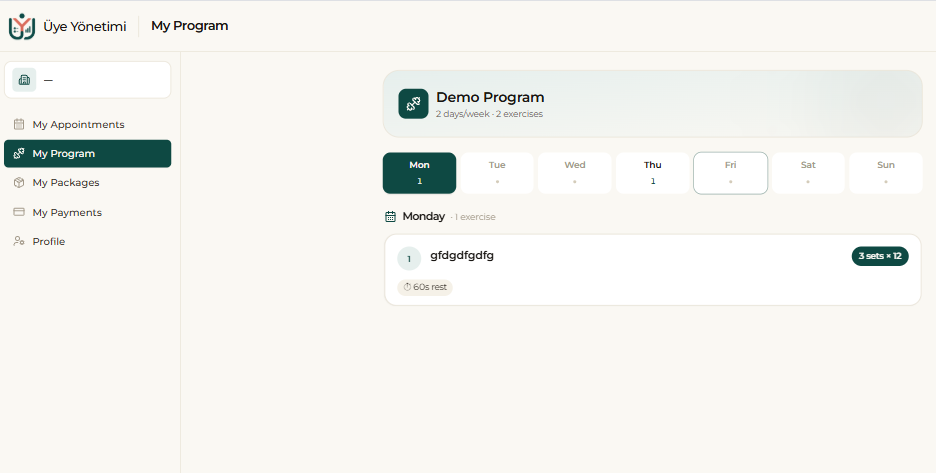
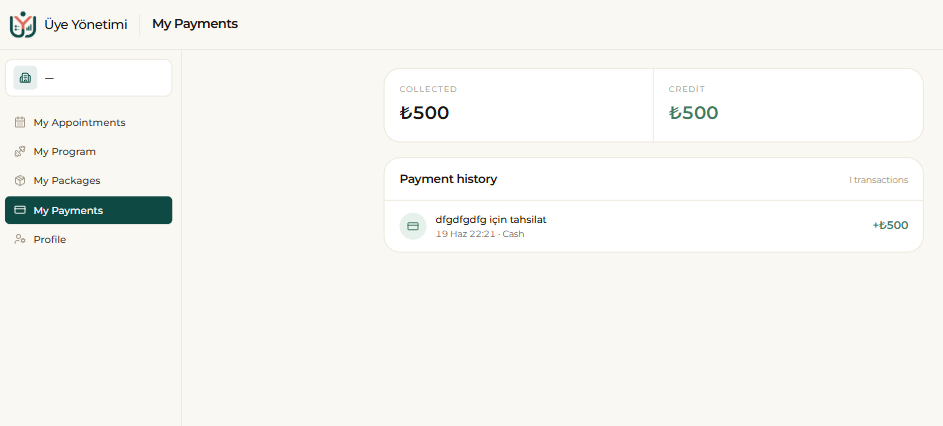
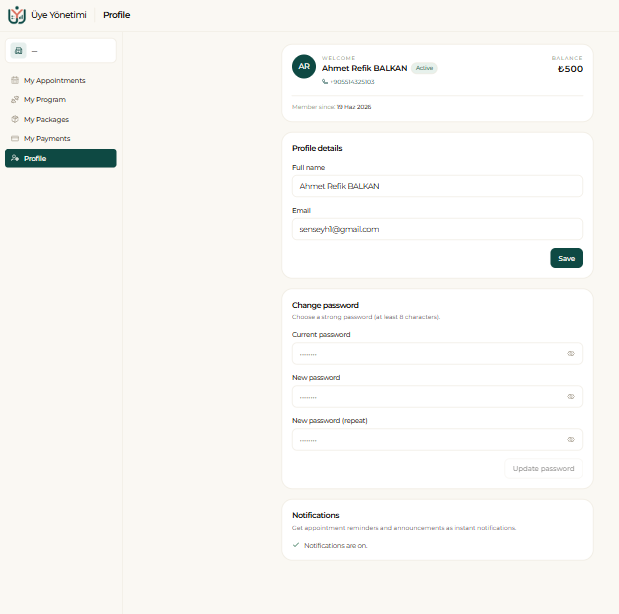
From the left menu of the portal members reach five areas: My Appointments, My Program, My Packages, My Payments and Profile. They see their active packages and remaining sessions, their assigned workout program, their upcoming and past appointments, their payments and their current balance. So they answer questions like “how many sessions do I have left?” or “when is my appointment?” themselves, without asking you.
A member can cancel an upcoming appointment from the portal (the remaining cancellation allowance is shown there); the cancellation is reflected on your calendar instantly. When they arrive for a class they mark attendance with “Class Check-in”. From Profile they update their details, change their password and toggle notifications.
Step by step
- 1 From the left menu open “Members” and open the relevant member’s card.
- 2 Copy the member’s private portal link from the card.
- 3 Share the link with the member (e.g. over WhatsApp); they open it without signing in.
- 4 In the portal the member sees their packages, remaining sessions, appointments, payments and balance.
- 5 The member can cancel an upcoming appointment from the portal; the cancellation is reflected on your calendar instantly.