
Exercises
The exercise library
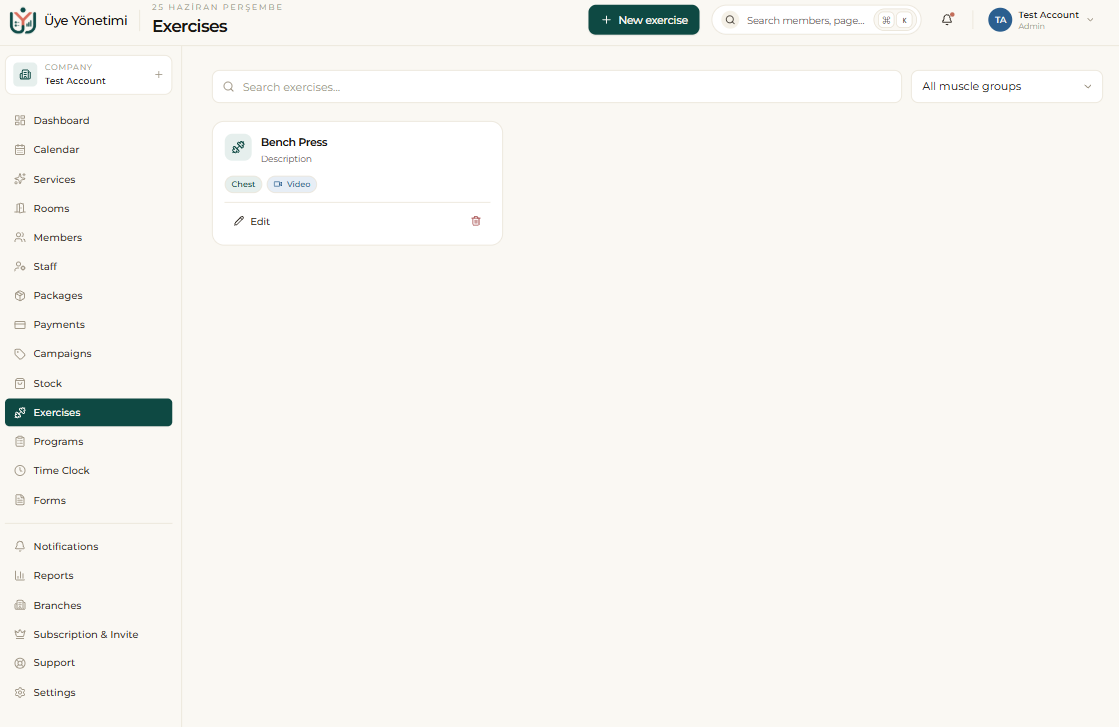
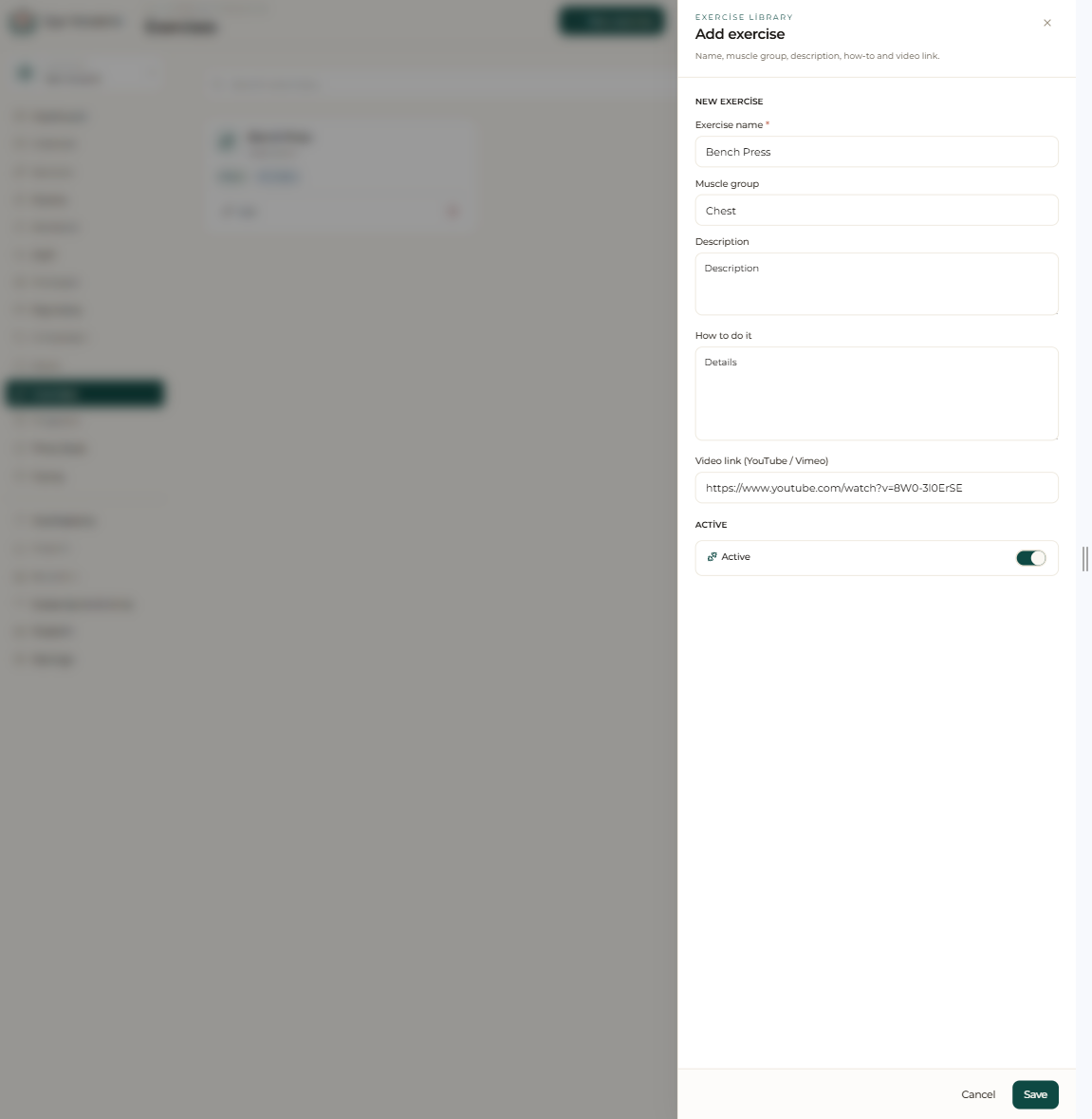
The Exercises module lets you build an exercise library that belongs to your business. For each exercise you define a name, target muscle group, description and a YouTube/Vimeo video link; when you add the video, the correct technique is shown to the member visually.
By grouping exercises into categories (for example “lower body”, “core”, “mobility”) you keep them organized and find the exercise you’re looking for in seconds while building a program.
Assigning a workout program
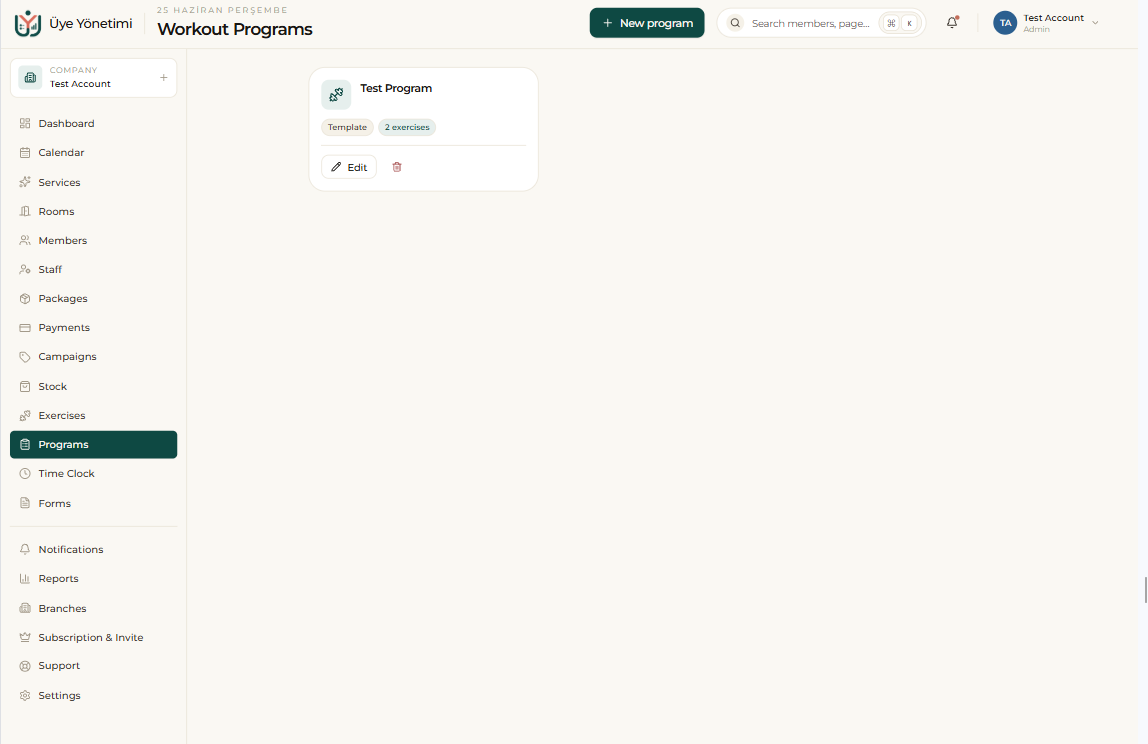
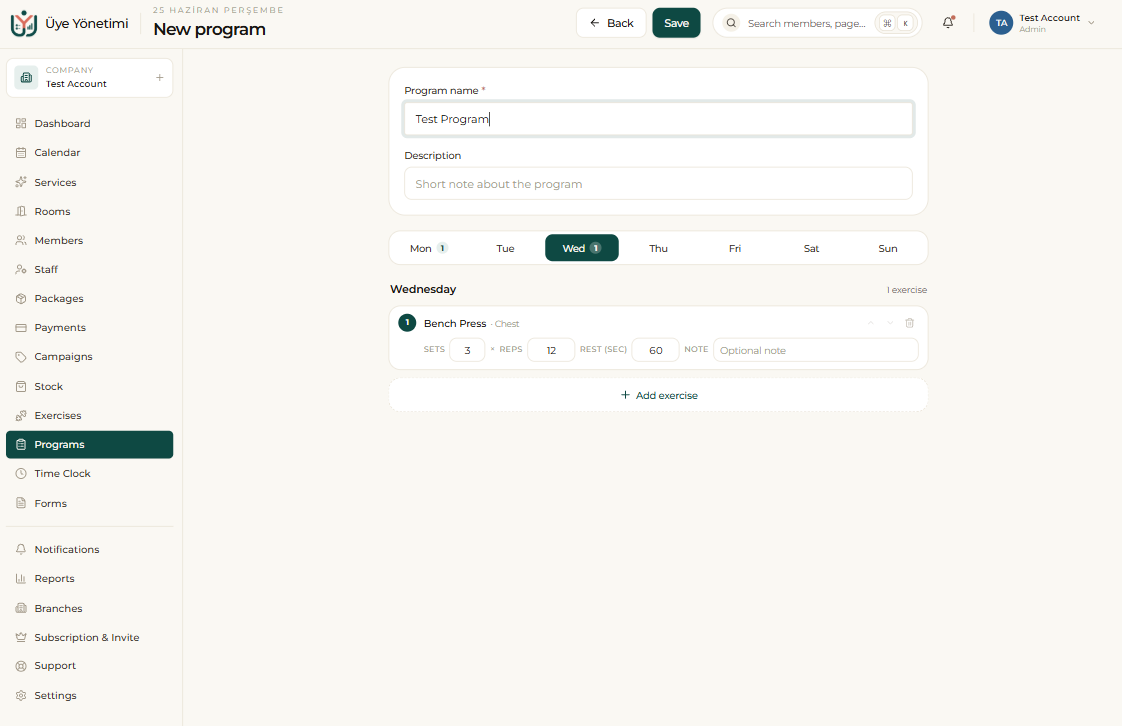
You build a workout program by combining exercises from the library and assign it to a member. For each exercise you set values such as sets, reps, weight and rest time, laid out per day of the week; the program is recorded on the member’s card.
When the member opens the program assigned to them from their portal, they watch each exercise’s video and see how to perform it. This way the member applies the program with the correct technique, at the studio or at home.
Progress tracking
As the member completes their workouts, the weights and reps used are recorded; progress over time is followed with charts. When a member finishes a program or reaches a goal, you assign a new program to keep the progress going.
Step by step
- 1 Open the “Exercises” page from the left menu.
- 2 Click the “New exercise” button.
- 3 Enter the exercise’s name, target muscle group and description.
- 4 Paste the exercise’s video link into the “Video link” field; the video is attached to the exercise.
- 5 Assign the exercise to a category (e.g. “Lower body”, “Core”) and save.
- 6 Open a member’s card and choose “Assign workout program”.
- 7 Pick exercises from the library and enter sets, reps, weight and rest time for each.
- 8 Save the program; the member views the program and each exercise’s video from their portal.
- 9 As the member completes workouts, track their progress from the member card and assign a new program when needed.
When you add a YouTube video to each exercise, the member applies the correct technique by watching the video; the risk of injury drops.