
Services
Defining a service
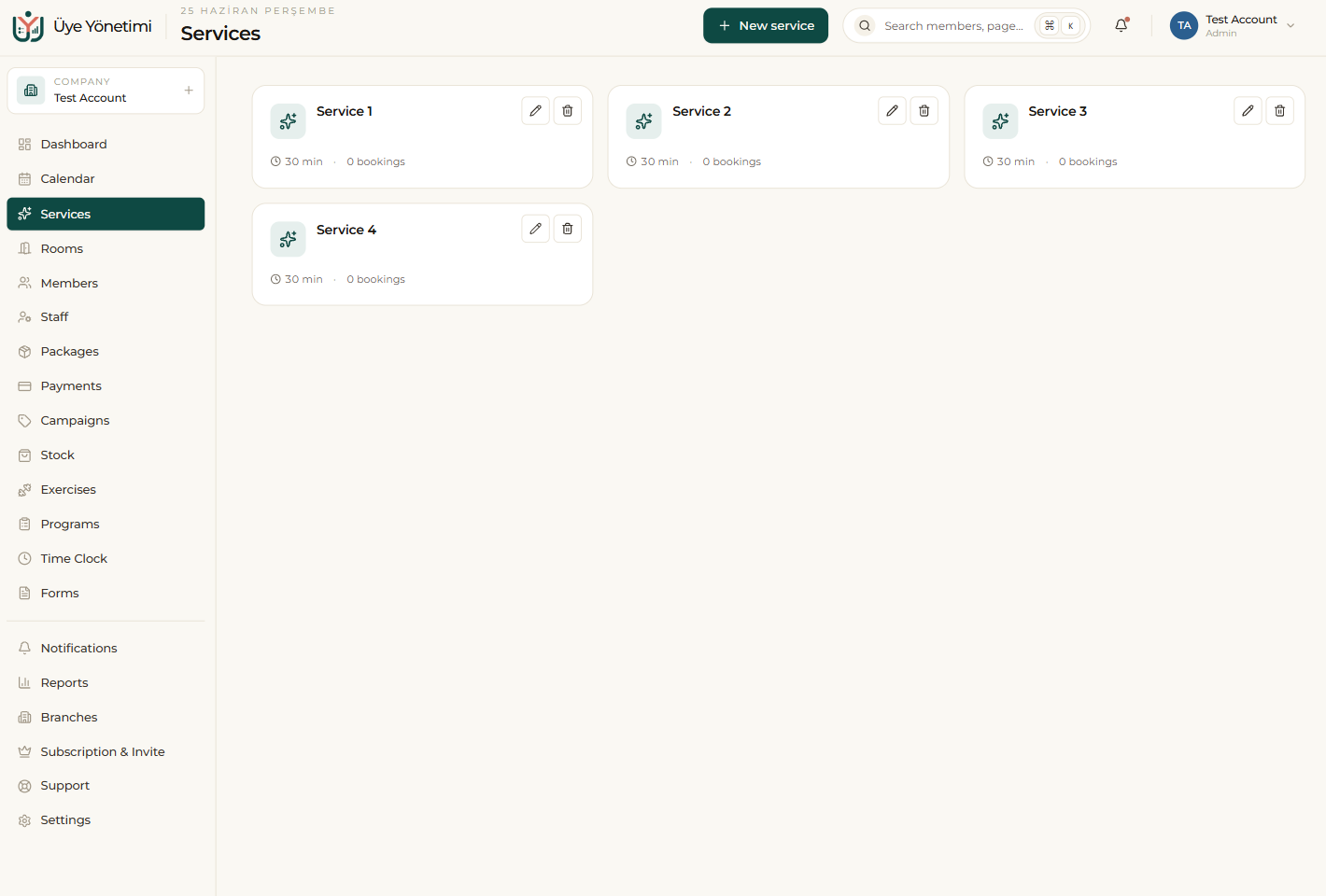
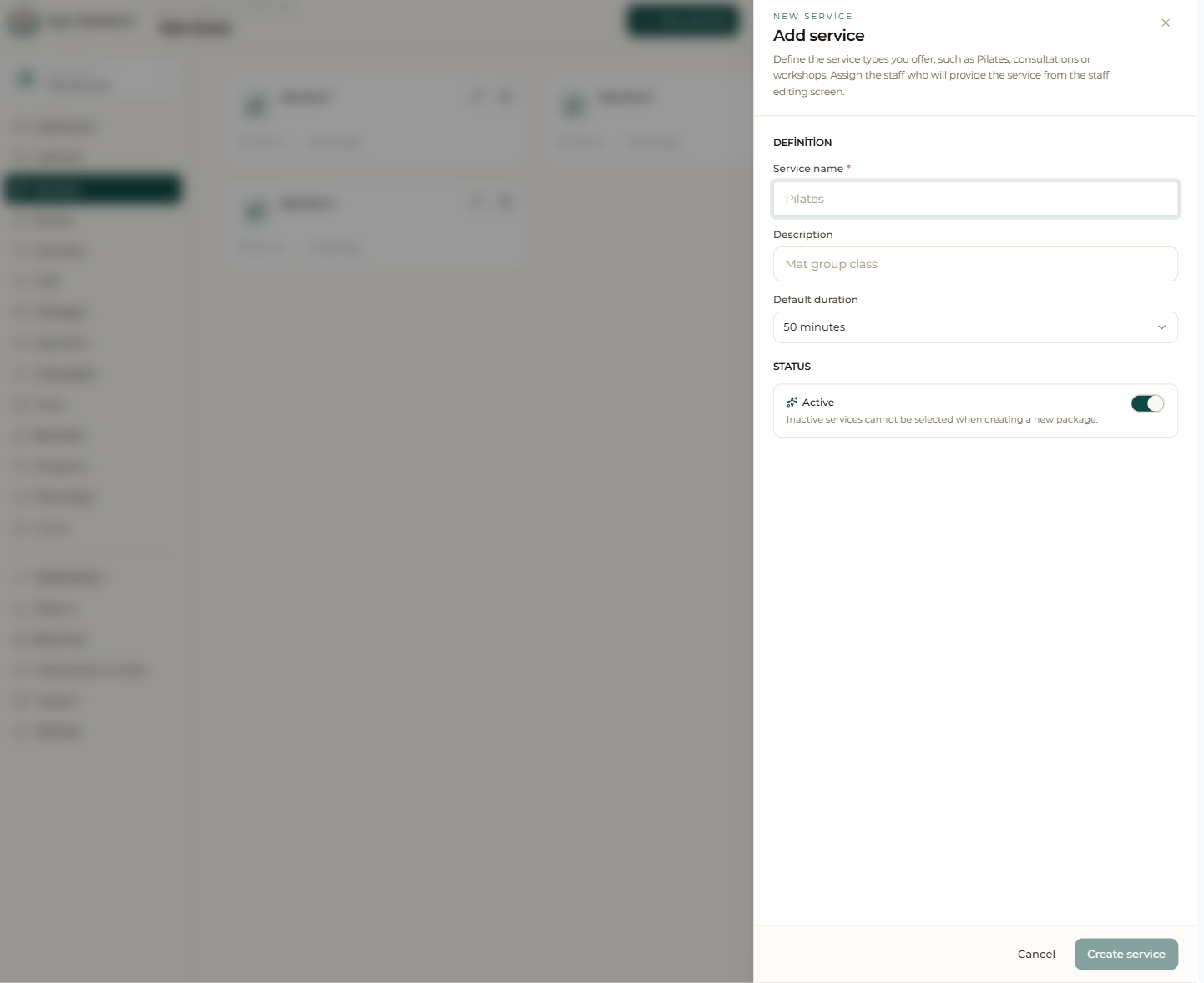
Services is where you define every activity you offer (a lesson, session, consultation, etc.). For each service you set a name, description and default duration; for example “Reformer Pilates – 50 min”. If you set a service to inactive it can’t be selected when creating a new package.
Because you pick from these defined services when creating an appointment, the duration comes in automatically. You can use services for group classes and one-to-one sessions alike.
Relationship with packages and staff
Packages are linked to services: when you create a package you choose which service it covers, so the sessions deducted from that package are recorded against the correct service.
For each staff member you define which services they provide and the per-service fee/commission; when a service is delivered (the appointment is marked “attended”) the earnings are calculated automatically by that rule.
Step by step
- 1 Open the “Services” page from the left menu.
- 2 Click the “New service” button.
- 3 Enter the service’s name, description and default duration.
- 4 Leave it “Active” and save; the service becomes selectable in appointments and packages.
- 5 From the Staff screen, set which staff member provides this service and their fee/commission.
An inactive service won’t appear when you create a new package; instead of deleting seasonal services, you can set them inactive.